A look inside
Screenshots
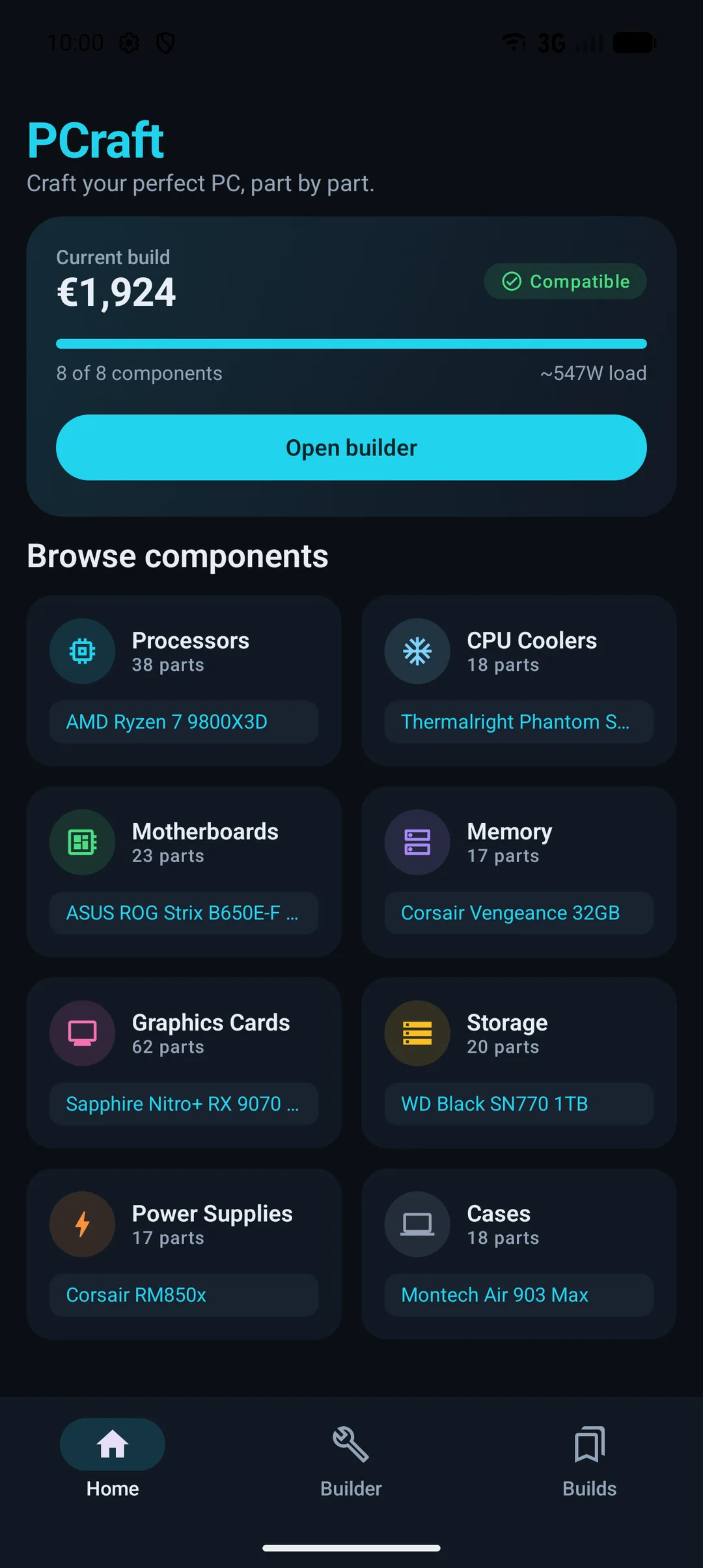
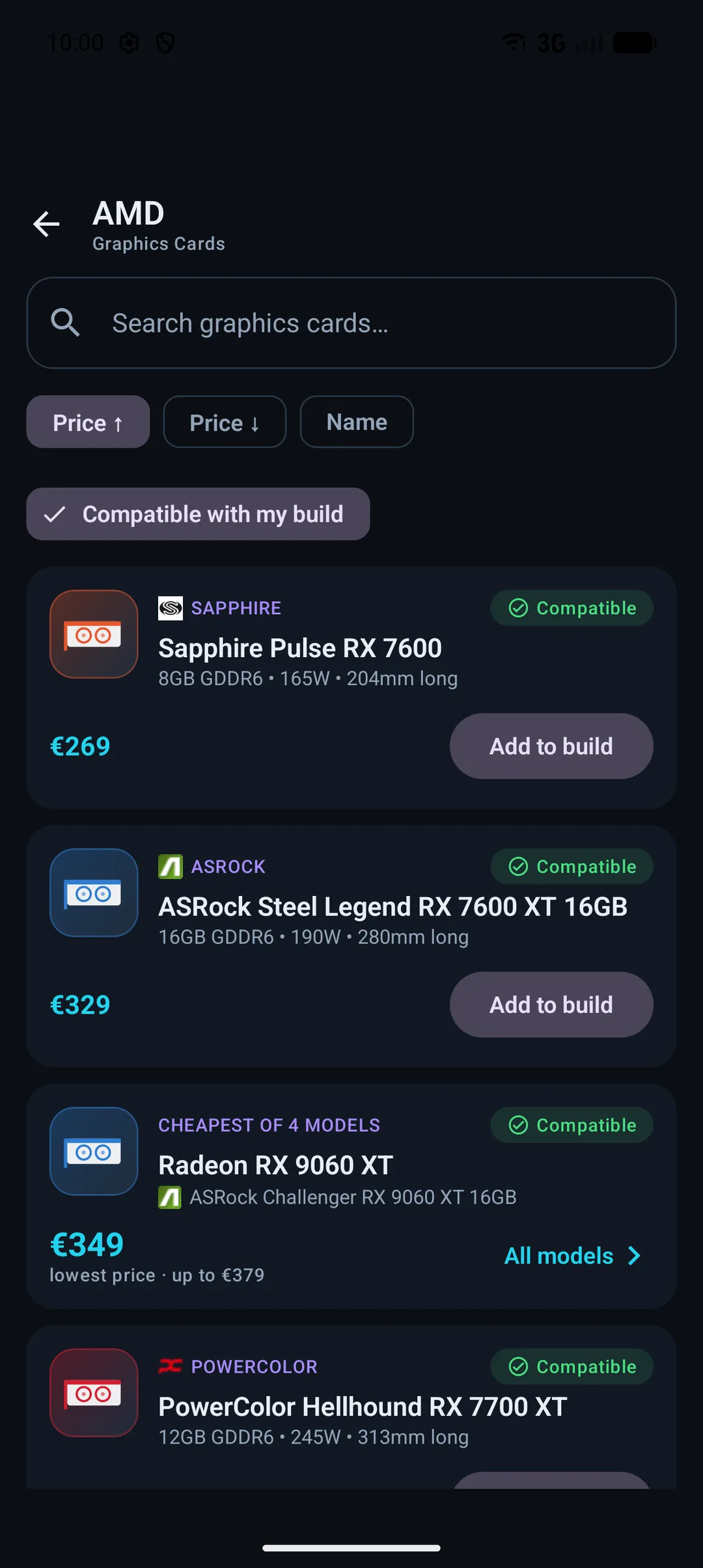
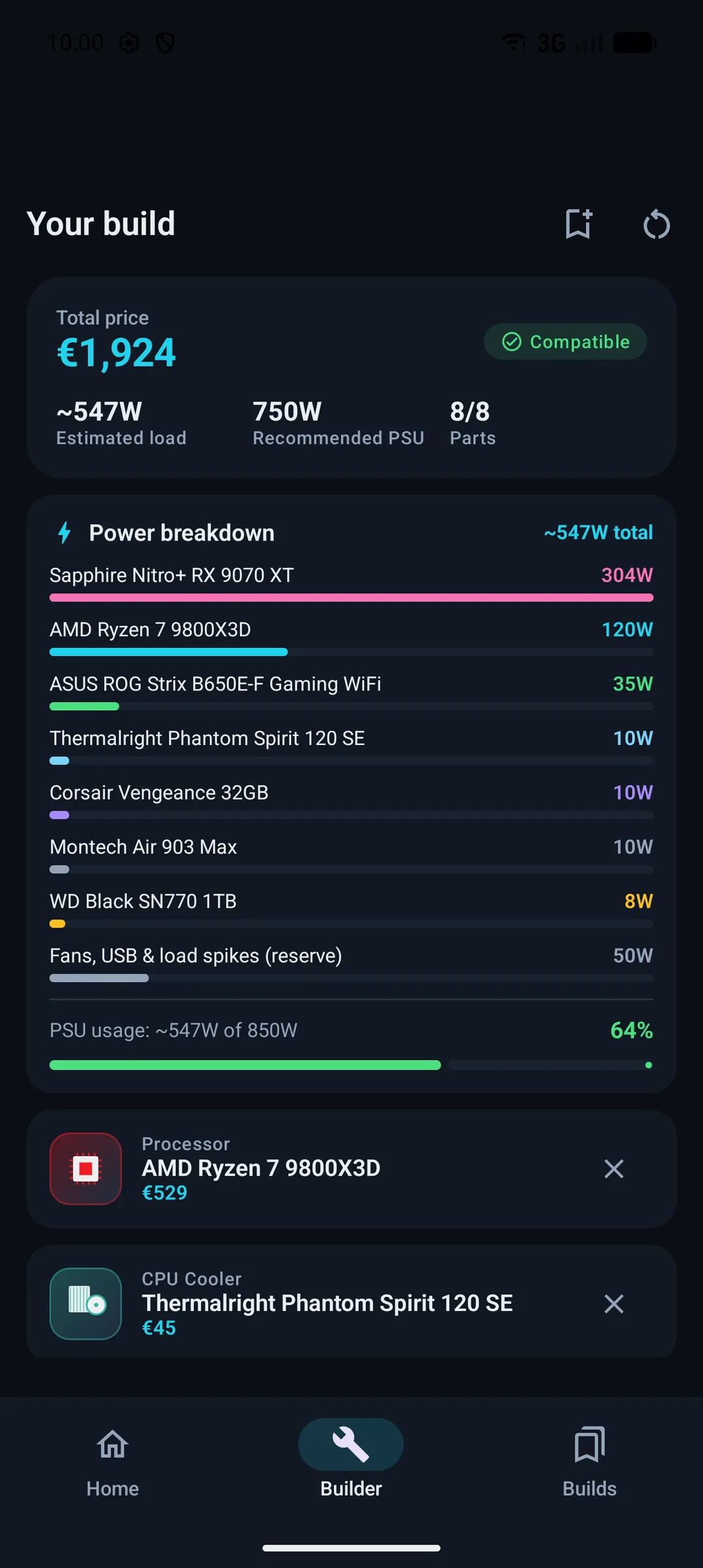
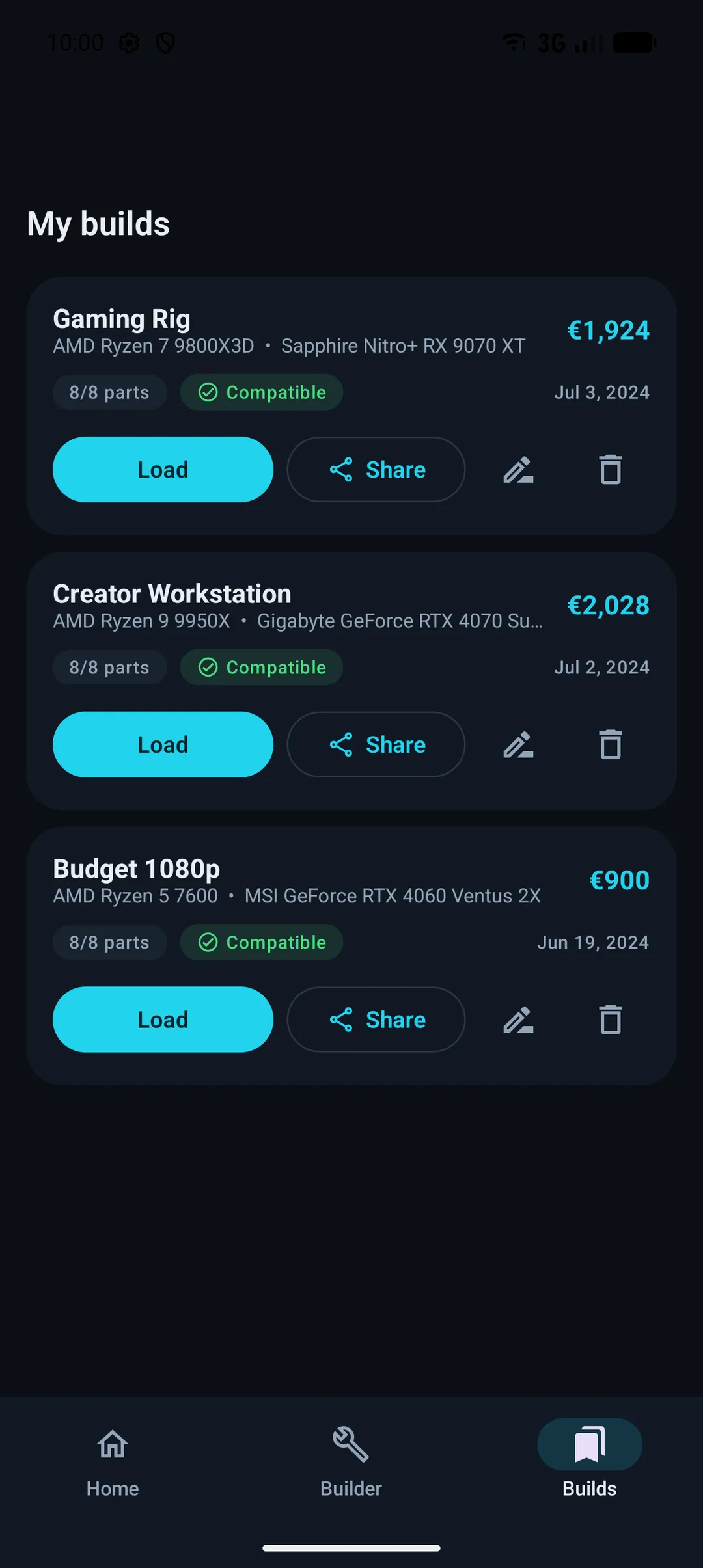
A focused, dark interface built around your build.
← scroll to see more →
PCraft helps you plan a build the right way — it checks compatibility as you pick, estimates power draw, shows prices, and lets you save named builds and share a complete build as a single link that opens straight in the app.
Every part you add is checked against the rest of the build — so the machine you plan is a machine that actually works.
Sockets, RAM type and slots, GPU and cooler clearances, PSU wattage with headroom — PCraft flags conflicts the moment they appear.
See estimated load per component, the recommended PSU size, and how much of your chosen supply the build will actually use.
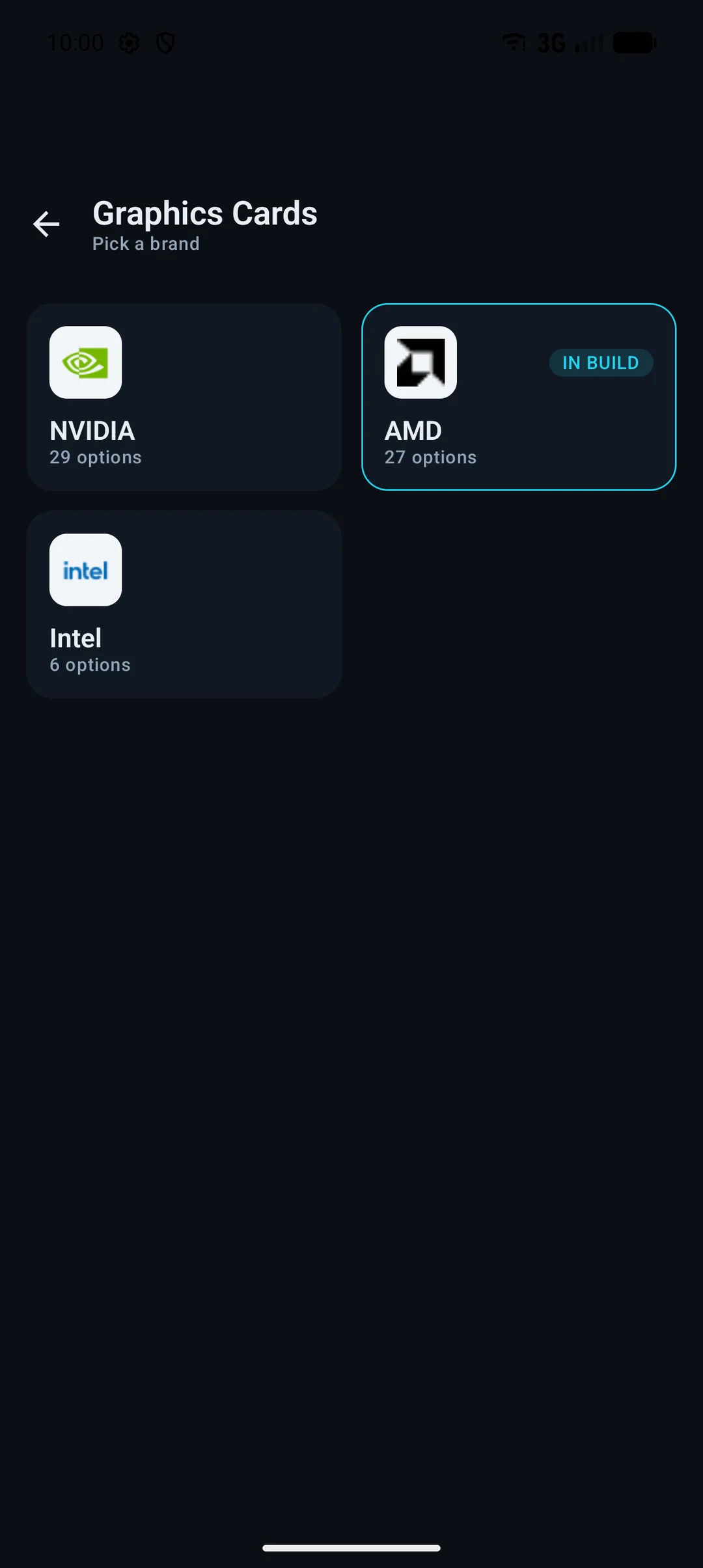
Drill from a category into brands or classes, then into individual models — with real logos, product art, and key specs at a glance.
Live retail prices surface next to parts and variants, so the running total reflects what the build really costs today.
Keep as many builds as you like — a budget office box, a dream gaming rig — each named and ready to reopen or tweak.
Send a complete build to anyone — Instagram, Messenger, WhatsApp. They see every part and price, and if they have PCraft it opens right in the app.
A focused, dark interface built around your build.
← scroll to see more →
PCraft is being built now, with a Google Play release planned. Want a look, or have a feature in mind? Get in touch.